Modbus Function Codes Explained (01/02/03/04/05/06/15/16)
Function codes are the “verbs” of Modbus: they tell the slave what to do. QModMaster supports the eight most-used ones. Here is what each does, when to use it, and where it shows up in QModMaster’s dialog.
Function Codes at a Glance
| Code | Name | Description | Use case |
|---|---|---|---|
| 01 | Read Coils | Reads on/off output states (discrete outputs) from the slave. | Check relay outputs, digital outputs, running flags on a device. |
| 02 | Read Discrete Inputs | Reads on/off input states (read-only digital inputs). | Read limit switches, pushbuttons, sensor digital inputs. |
| 03 | Read Holding Registers | Reads read/write 16-bit registers. | Read setpoints, configuration values, measured values — the most-used code for reading. |
| 04 | Read Input Registers | Reads read-only 16-bit registers. | Read analog inputs, sensor measurements, status words that you cannot write to. |
| 05 | Write Single Coil | Writes one on/off output. | Turn a relay on/off, start/stop a motor, set a single digital output. |
| 06 | Write Single Register | Writes one 16-bit register. | Write a frequency setpoint, change one configuration parameter. |
| 15 | Write Multiple Coils | Writes a block of on/off outputs in one request. | Set a whole group of digital outputs atomically, e.g. a valve manifold. |
| 16 | Write Multiple Registers | Writes a block of registers in one request. | Write multi-register values (32-bit/float pairs) or update a parameter block at once. |
Where Function Codes Appear in QModMaster
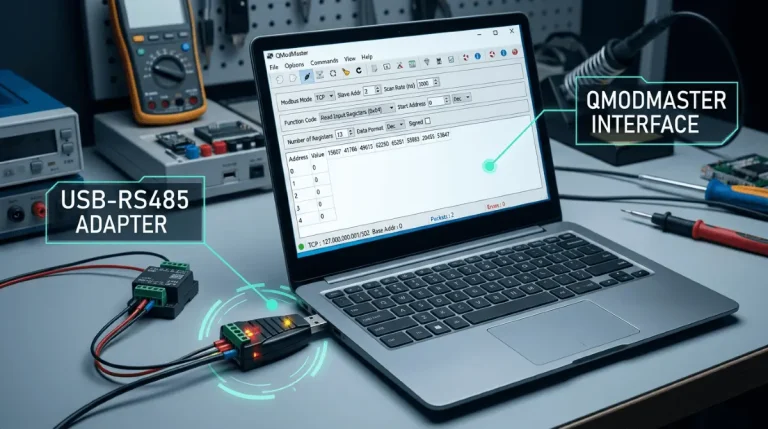
In QModMaster’s main window, the Function Code dropdown lists these codes by number and name. Select the code, then set Slave ID, Start Address, and Number of Points (for reads) or the value to write (for writes). The Bus Monitor shows the function code of every request and response, so you can confirm the device answered the exact code you sent (Bus Monitor guide).
Frequently Asked Questions
What is the difference between FC03 and FC04?
FC03 reads holding registers (read/write, e.g. setpoints); FC04 reads input registers (read-only, e.g. sensor measurements). The data may look identical — the difference is whether the slave allows you to write to that address.
What is the difference between FC05 and FC15, or FC06 and FC16?
FC05/FC06 write a single coil/register; FC15/FC16 write a block of them in one request. Use the block codes when a value spans multiple registers (32-bit integers, floats) or when several outputs must change at the same time.
Does QModMaster support all Modbus function codes?
QModMaster supports the eight common codes: 01, 02, 03, 04, 05, 06, 15 and 16. These cover the vast majority of debugging and testing work with Modbus RTU and TCP slaves.
I sent FC03 but got an exception response — what does that mean?
The slave answered with an error code instead of data. The most common is 02 (Illegal Data Address — you asked for registers that don’t exist). See our exception codes guide for the full list and fixes.